Case study · WOIS · October 2026
The Quiet Reset. Launched in one week with AI.
A women's health and spa retreat at The Well near Oslo needed to sell tickets, fast. No marketing team, an empty ad account and one week. Here is everything I built, what worked, what didn't, and how you can do the same.
📘 Want to do it yourself? Get the 12-page step-by-step guide free: just leave your email. Get the guide ↓
AI video ad · made in Higgsfield
The results
What one week (and a small budget) did
Built in a single day. The website, ads and content for this launch were built in one day. The whole launch was live within a week.
Final figures, 3–11 October 2026: about kr 3,850 in ad spend (Meta Ads Manager) and paid tickets from the booking system and the host.
The brief
Sell a retreat (in a week)
The client
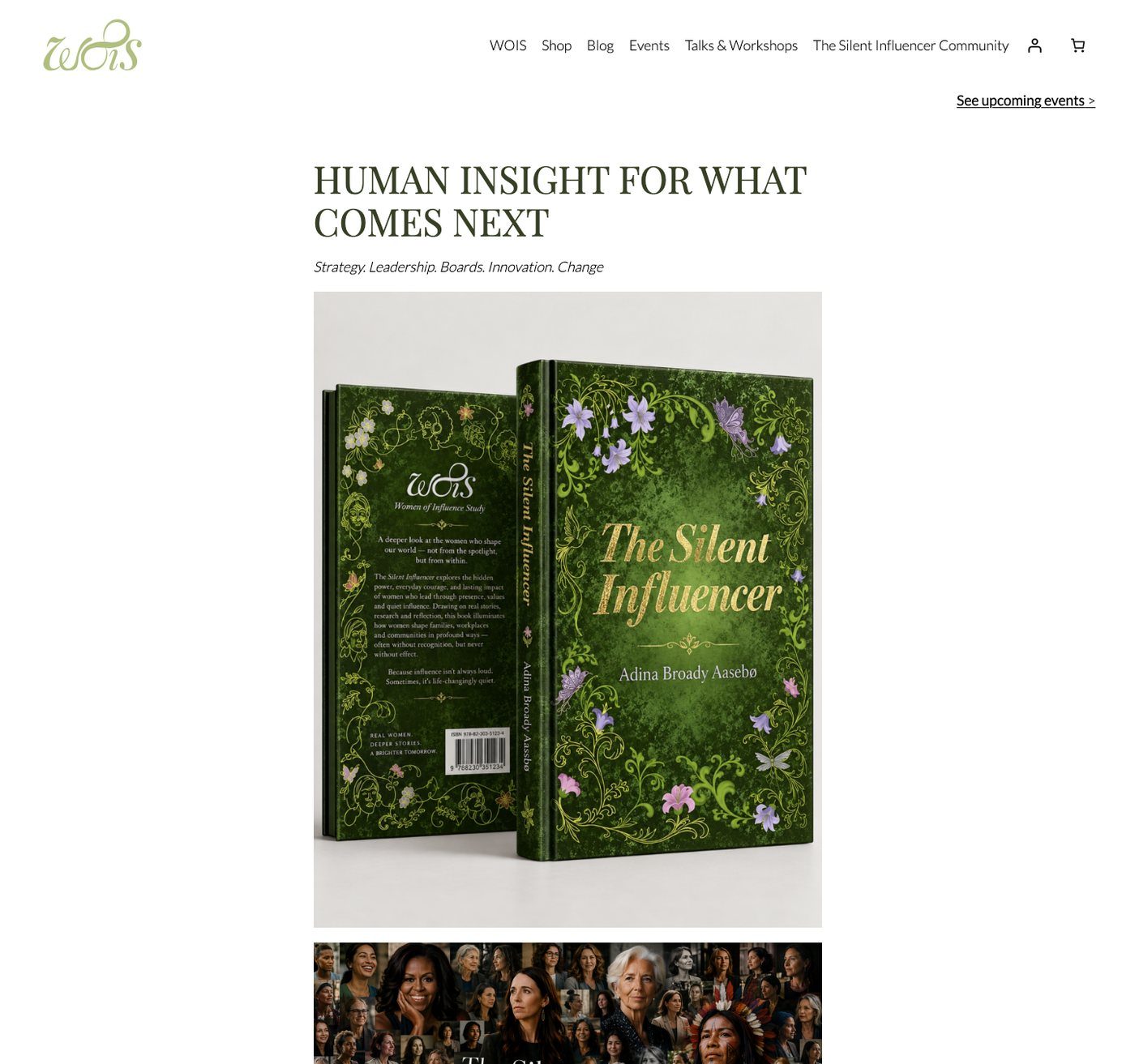
Adina Broady Aasebø, founder of WOIS – Women of Influence Study, researcher, author of The Silent Influencer and keynote speaker.
The event
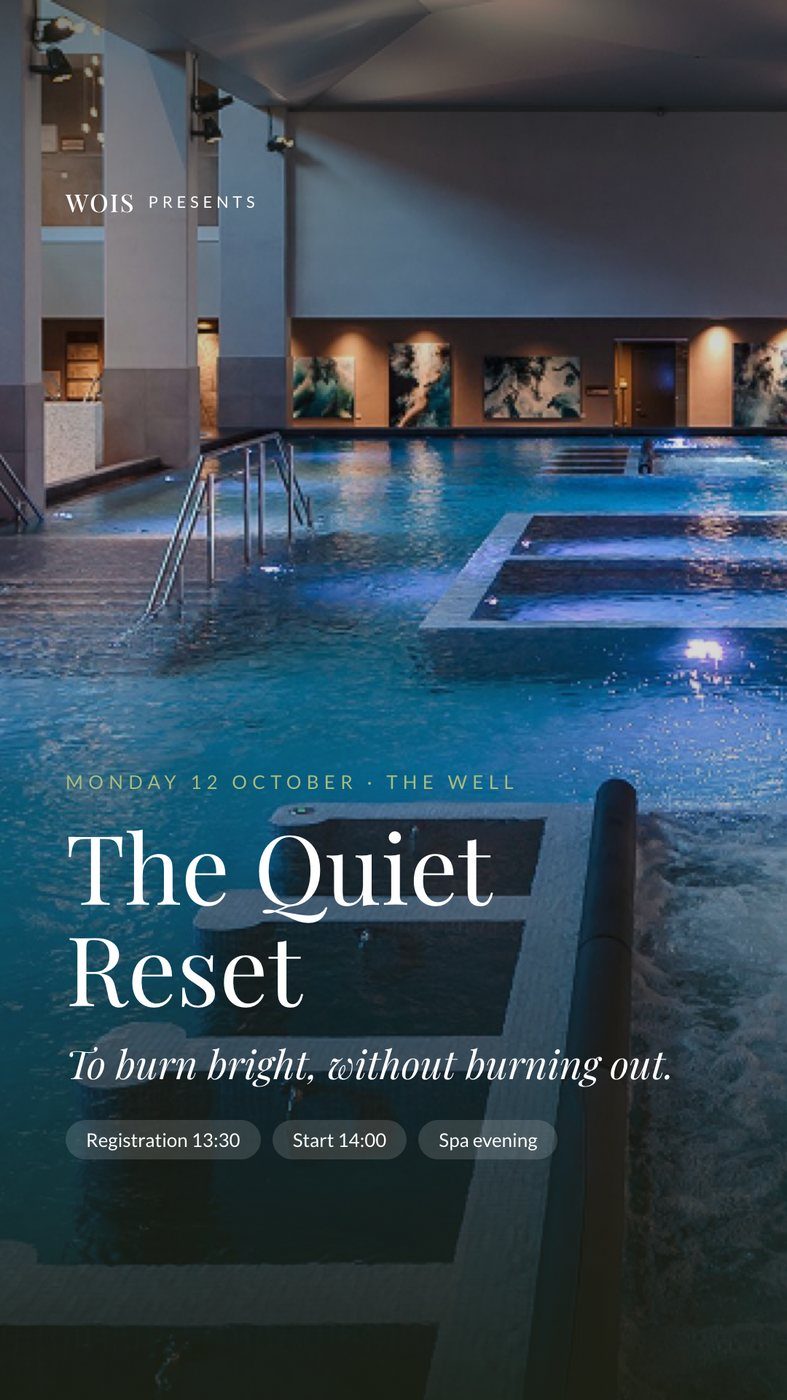
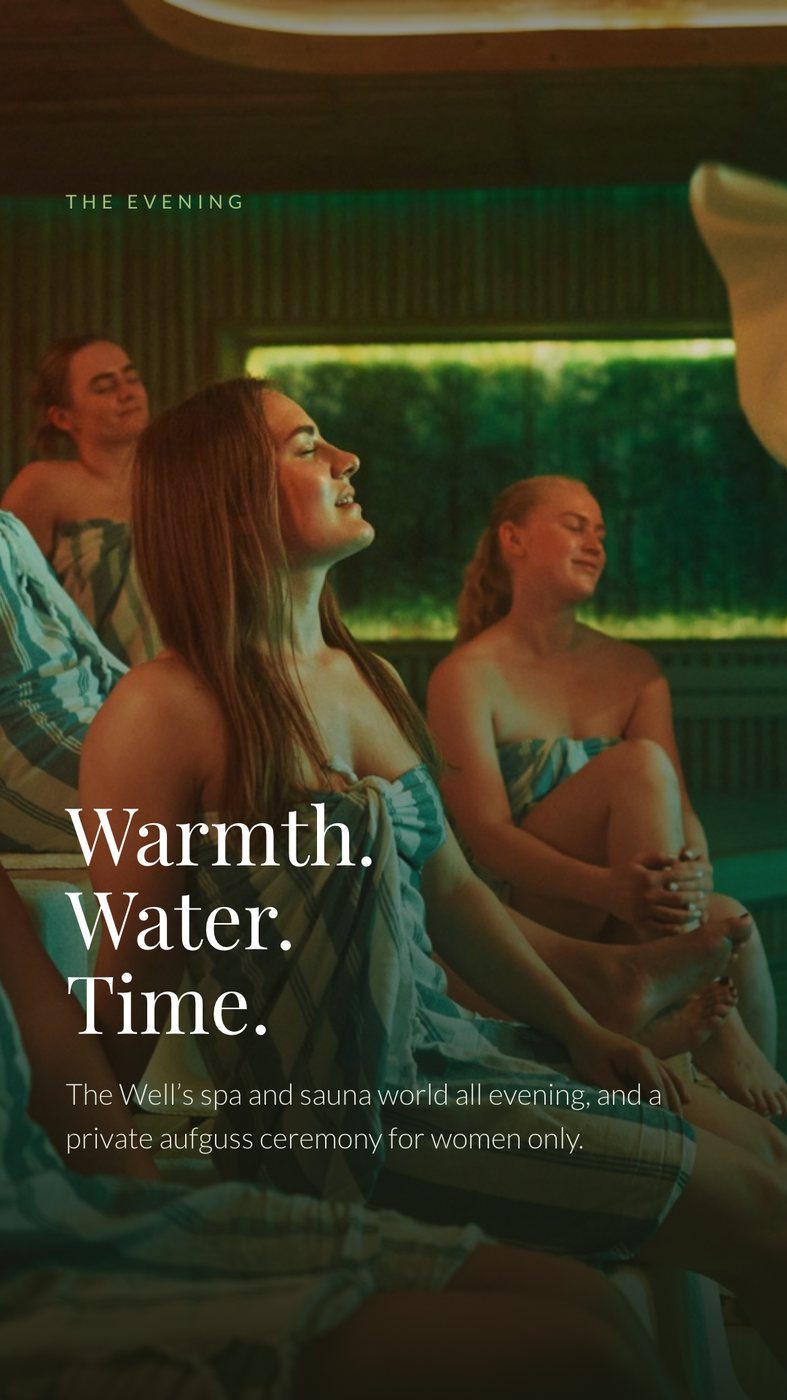
The Quiet Reset at The Well: an afternoon of talks, yoga and mindfulness with eight speakers, then dinner and a full spa evening. Monday 12 October 2026.
The challenge
An empty ad account, no Facebook Page or Instagram for the brand, a website built for a book rather than an event, and about one week until the early-access deadline.
What I built
A whole launch team, (directed by one person)
Meta advertising
Set up the ad account, pixel, audience and budget from scratch, then launched image ads, a speaker carousel and three video reels to women 35–65 within 80 km of Oslo.
- Daily checks by voice, with summaries sent to Slack
- Paused the weak ads, moved budget to the winner
- Price-free and bring-a-friend versions for the final days
- A retargeting ad set for people who visited the event page
AI video, no film crew
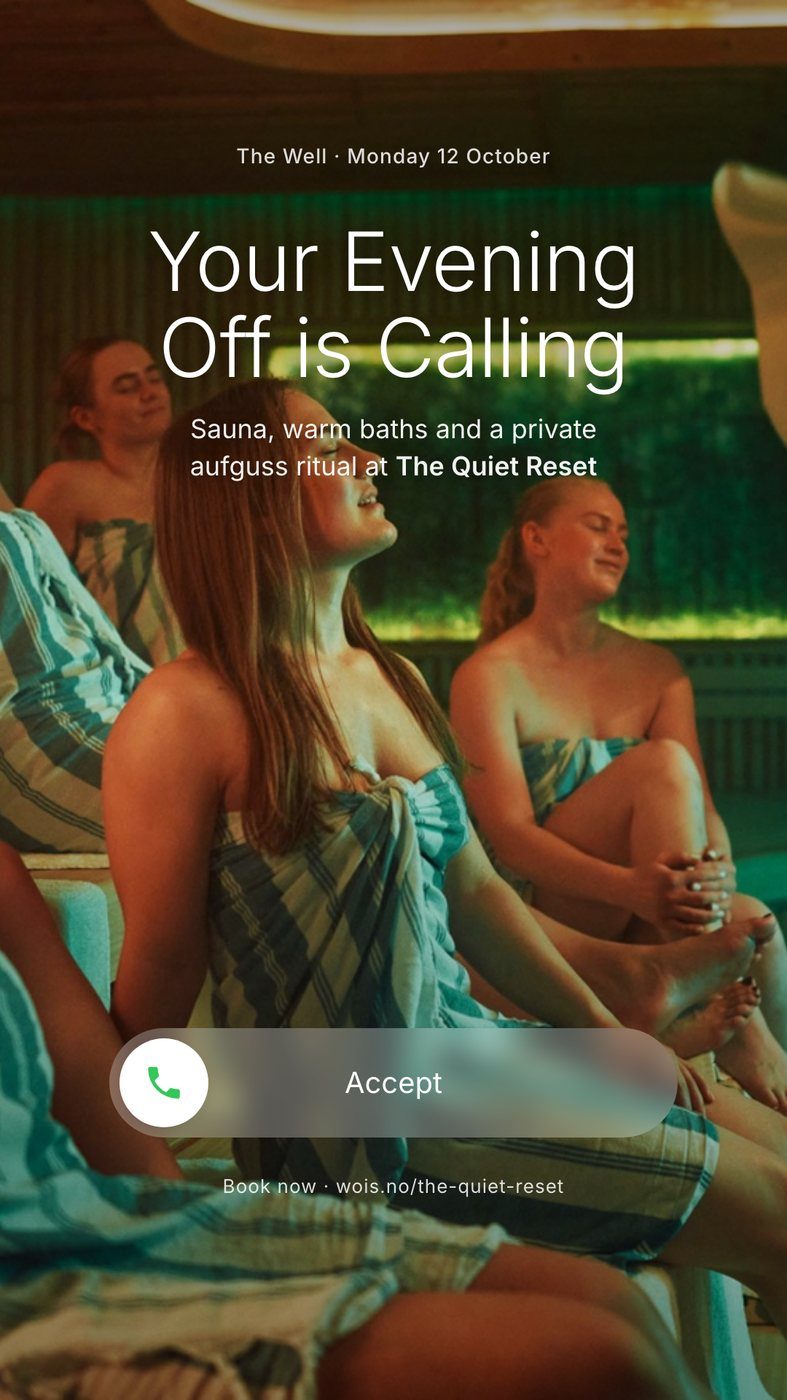
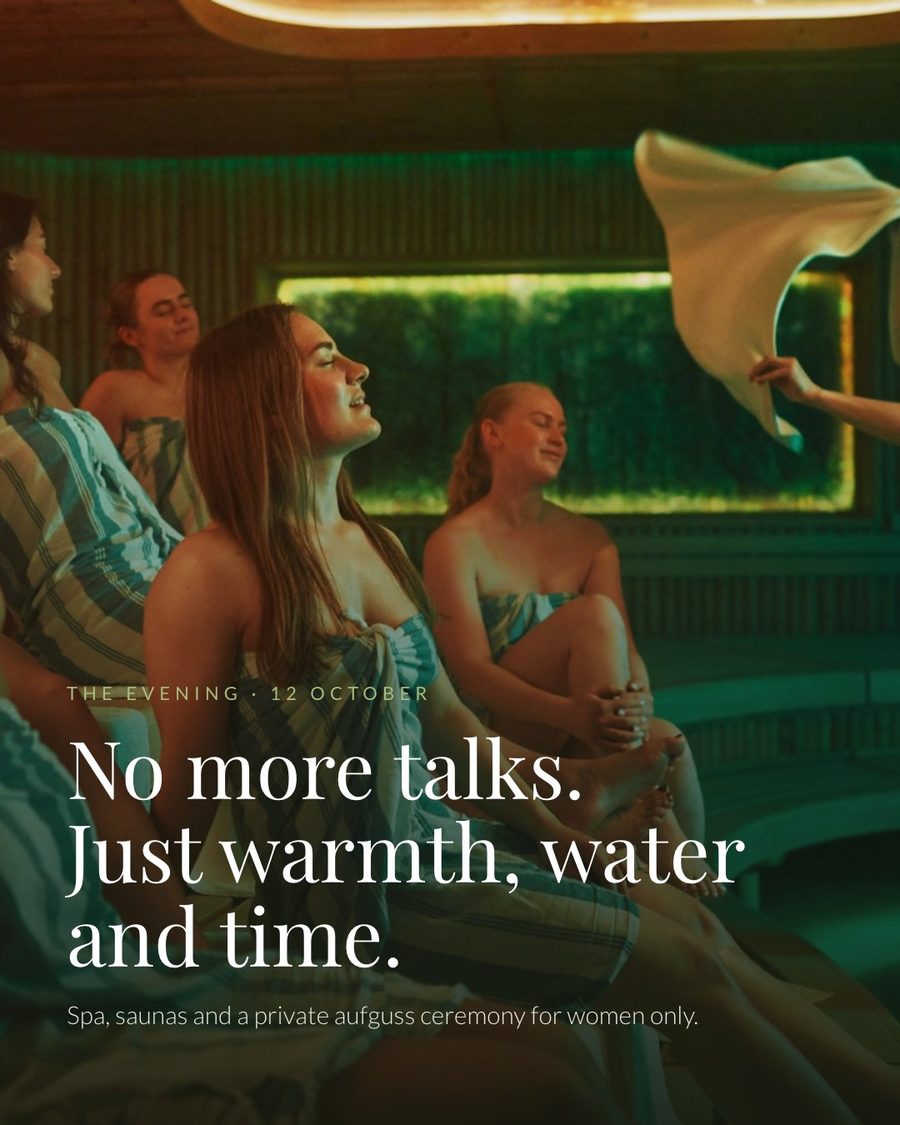
Wrote the prompts and generated the source clips in Higgsfield (calm spa water, yoga, dinner, an aufguss sauna ritual), then cut three ad reels plus LinkedIn and website versions, with captions and an original, ad-safe soundtrack.
- 3 reels in 9:16 and 4:5
- A looping video for the homepage and event page
Website that sells
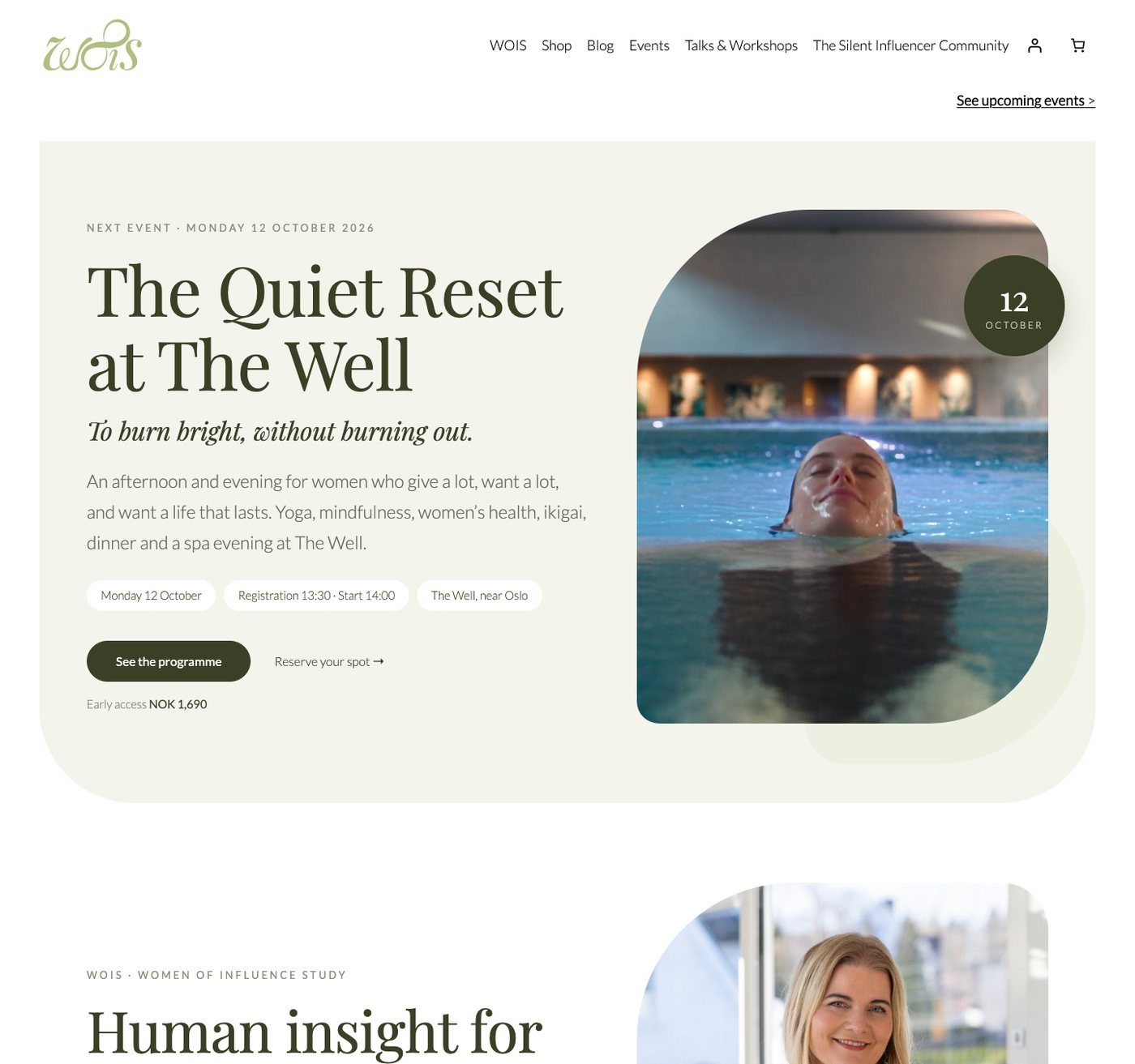
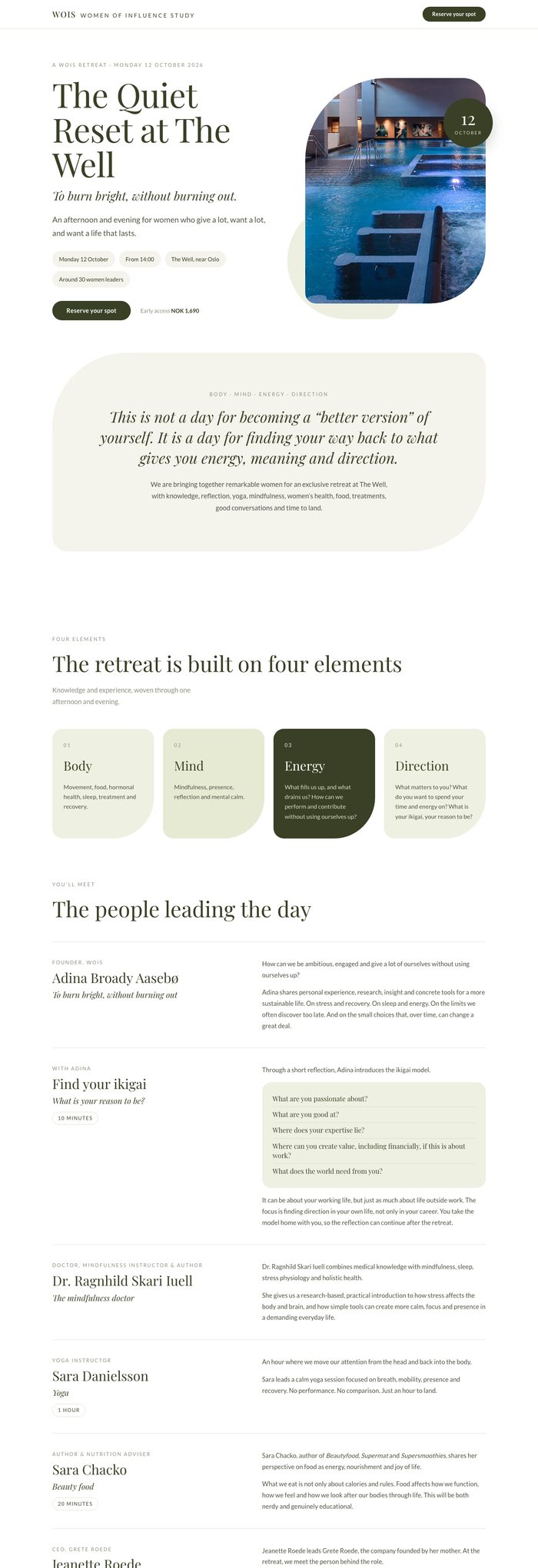
Rebuilt the wois.no homepage around the event and built a landing page designed to convert: a price box with deadline, urgency, speaker faces, a sticky booking bar, a countdown for the Saturday-only price and tracking on every booking click.
- Every event link routed through one landing page
- Prices and places switched automatically on deadlines
Social, from zero
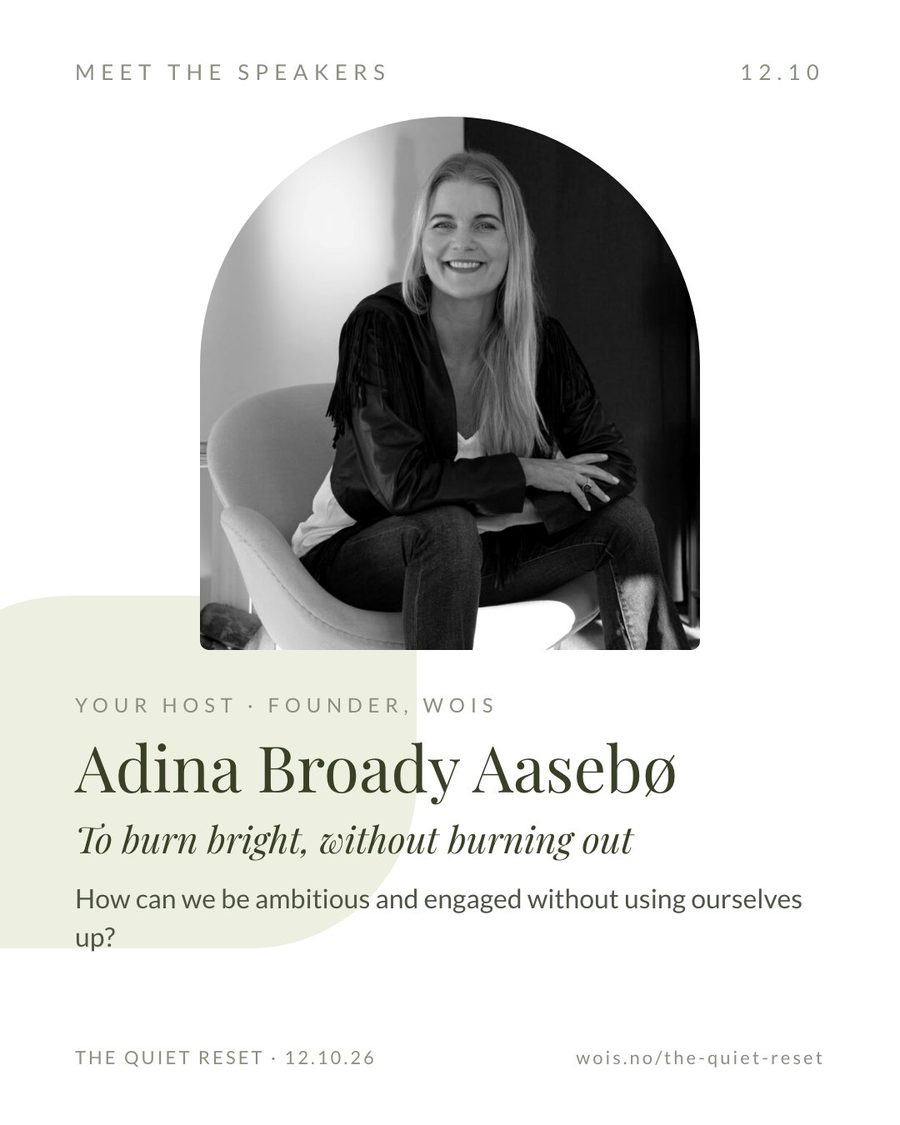
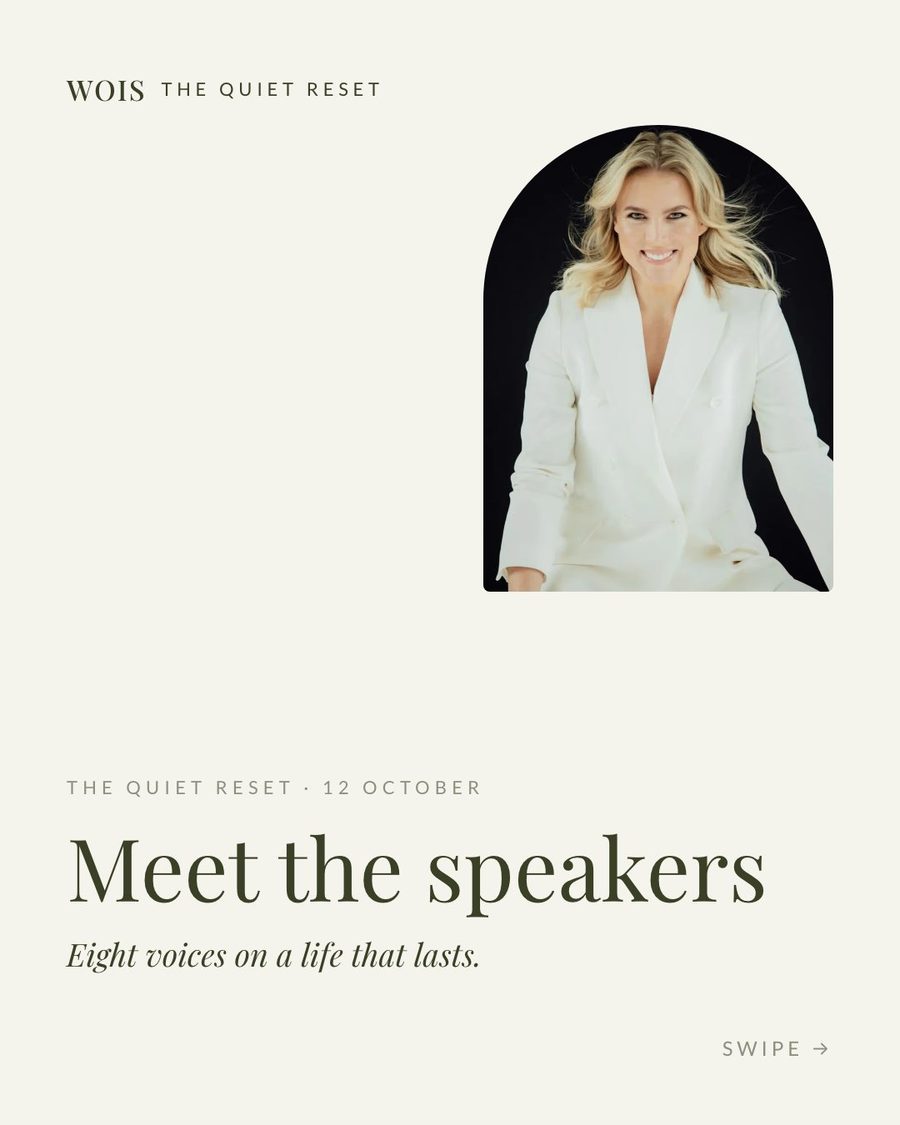
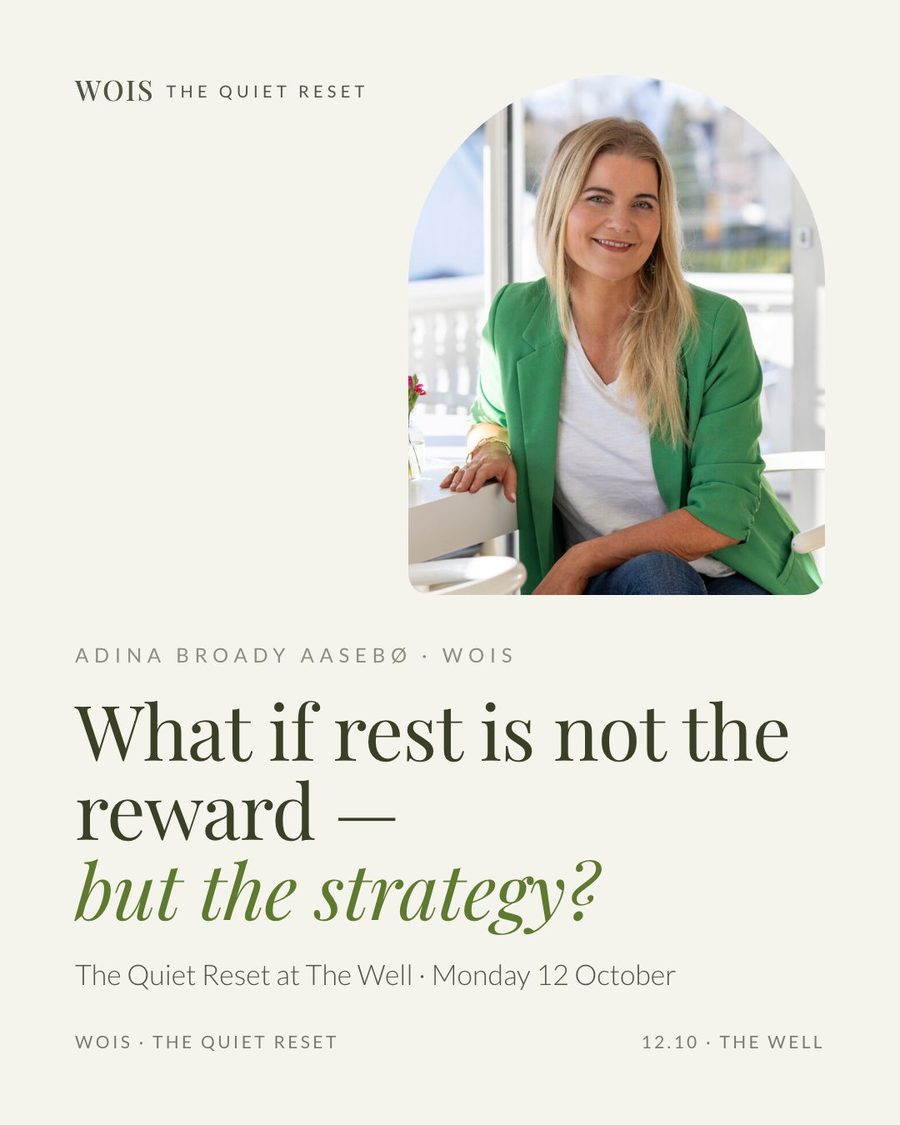
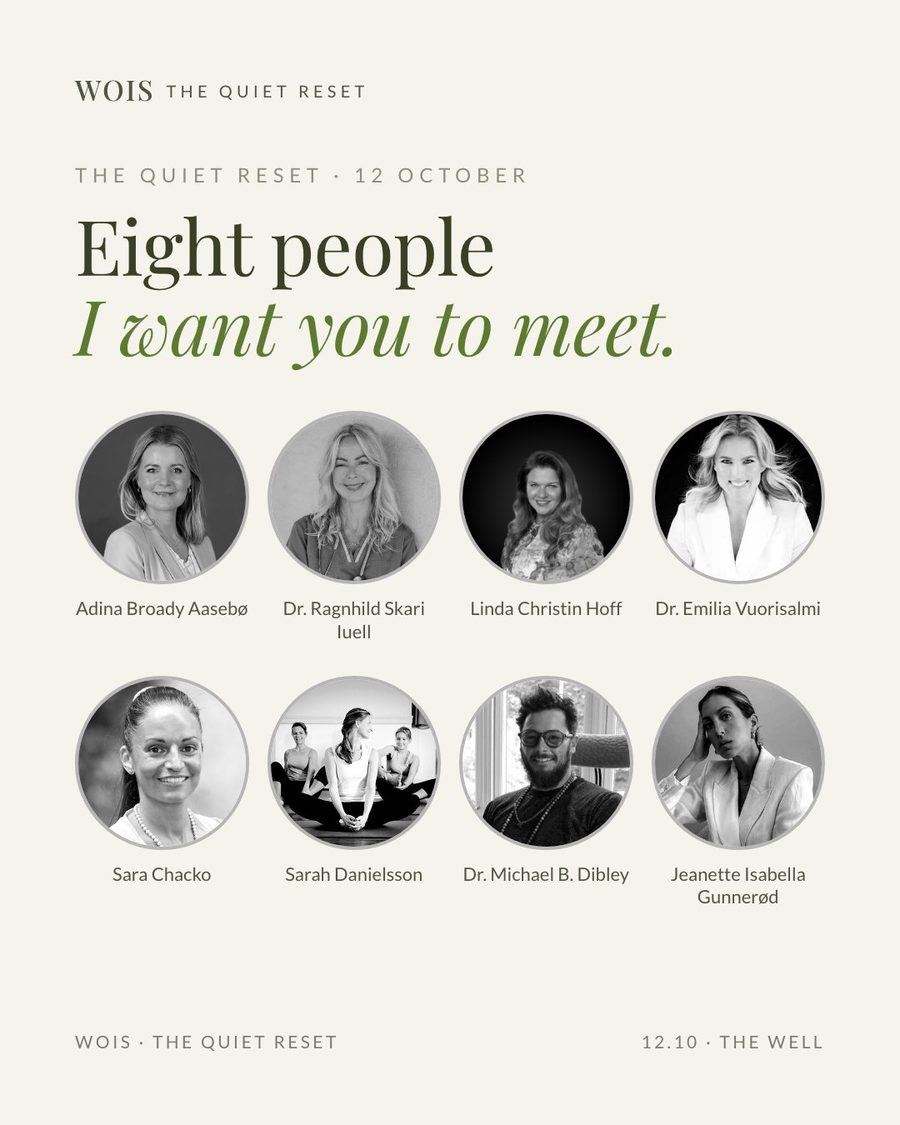
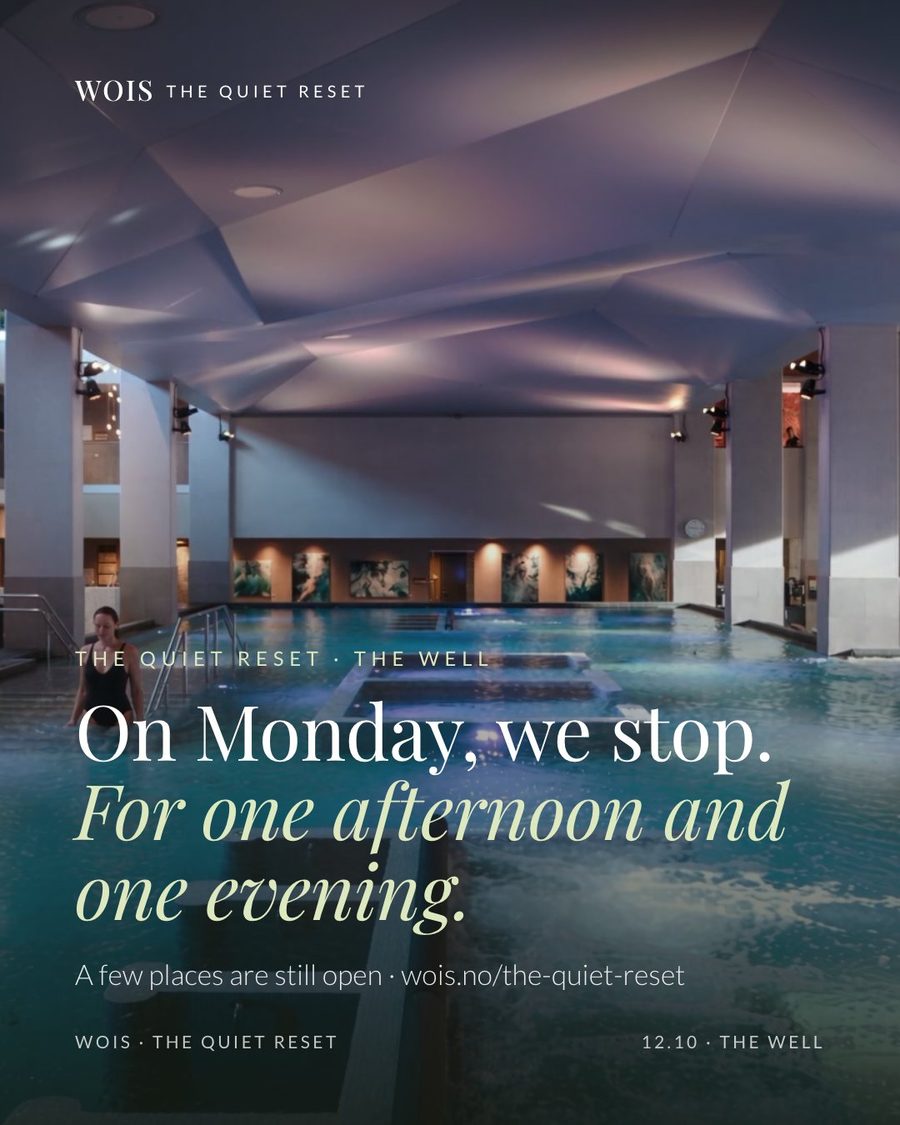
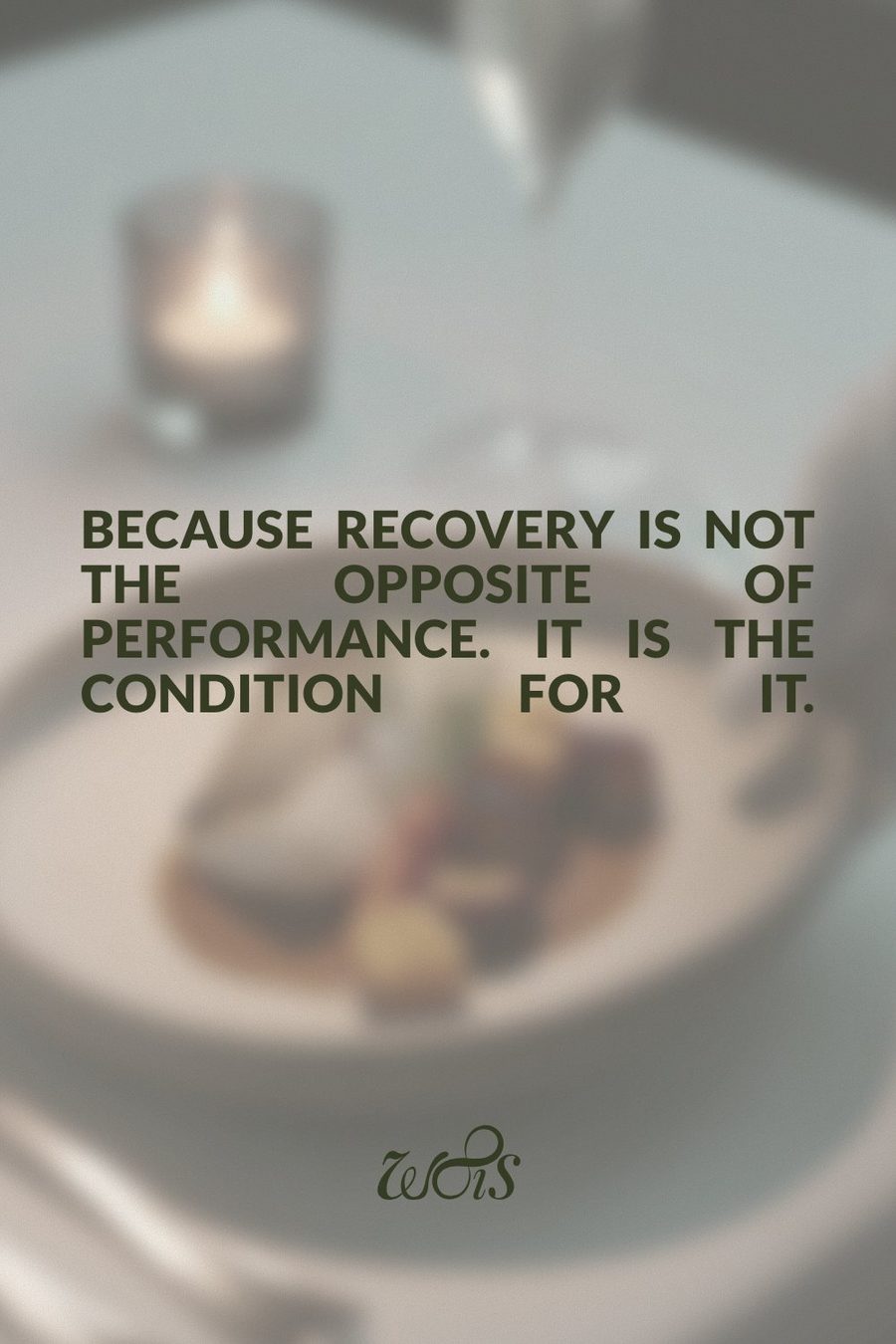
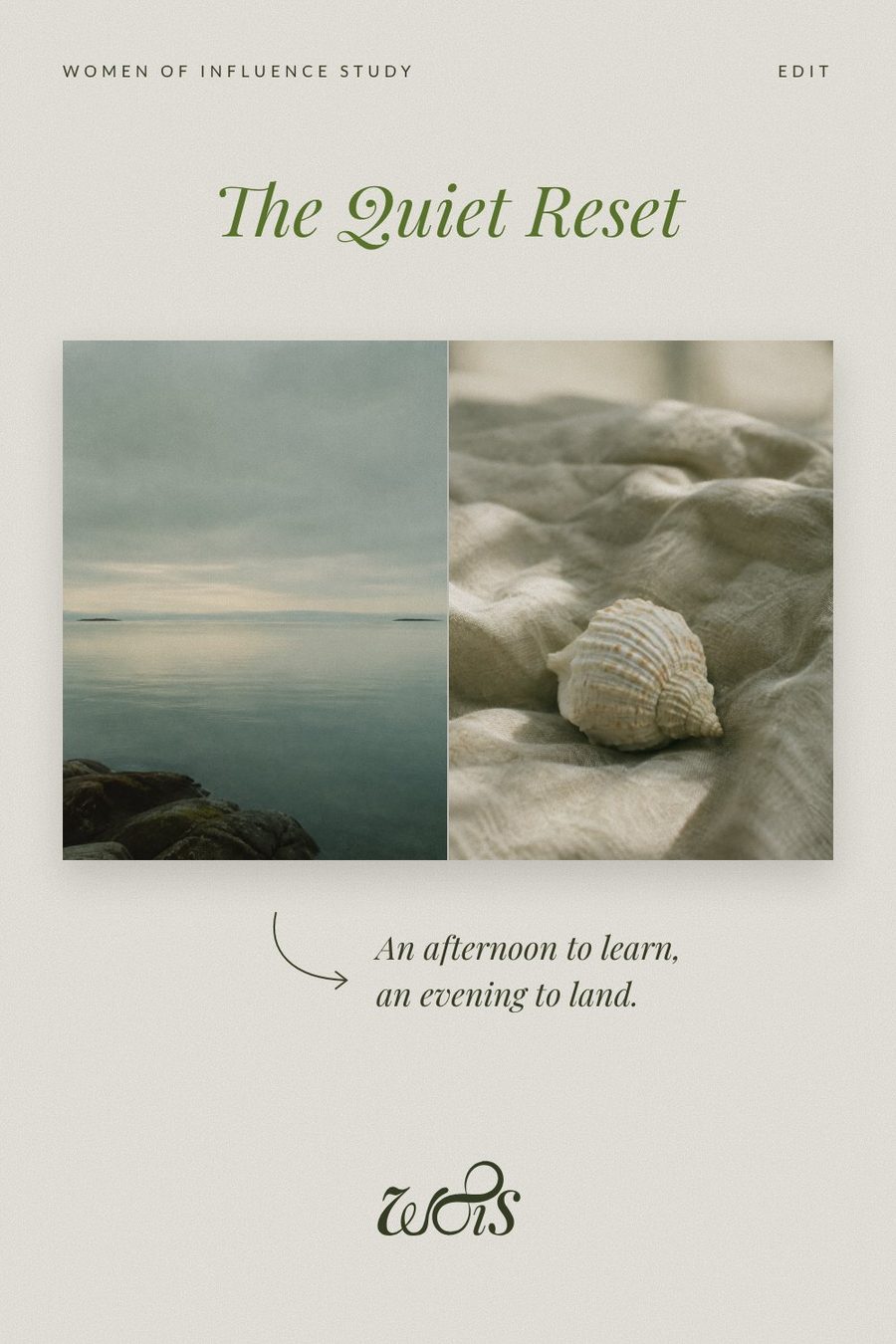
Created the WOIS Facebook Page and Instagram profile, then published nine launch posts (four of them carousels) and a 14-frame Stories set in the WOIS brand: moss and sage, Playfair Display and Lato.
LinkedIn in her voice
Analysed what already performed on Adina's profile (personal stories), then wrote four posts in her voice, each with a still, a carousel PDF and a video, plus a new profile banner and a company page kit.
Pinterest for the long game
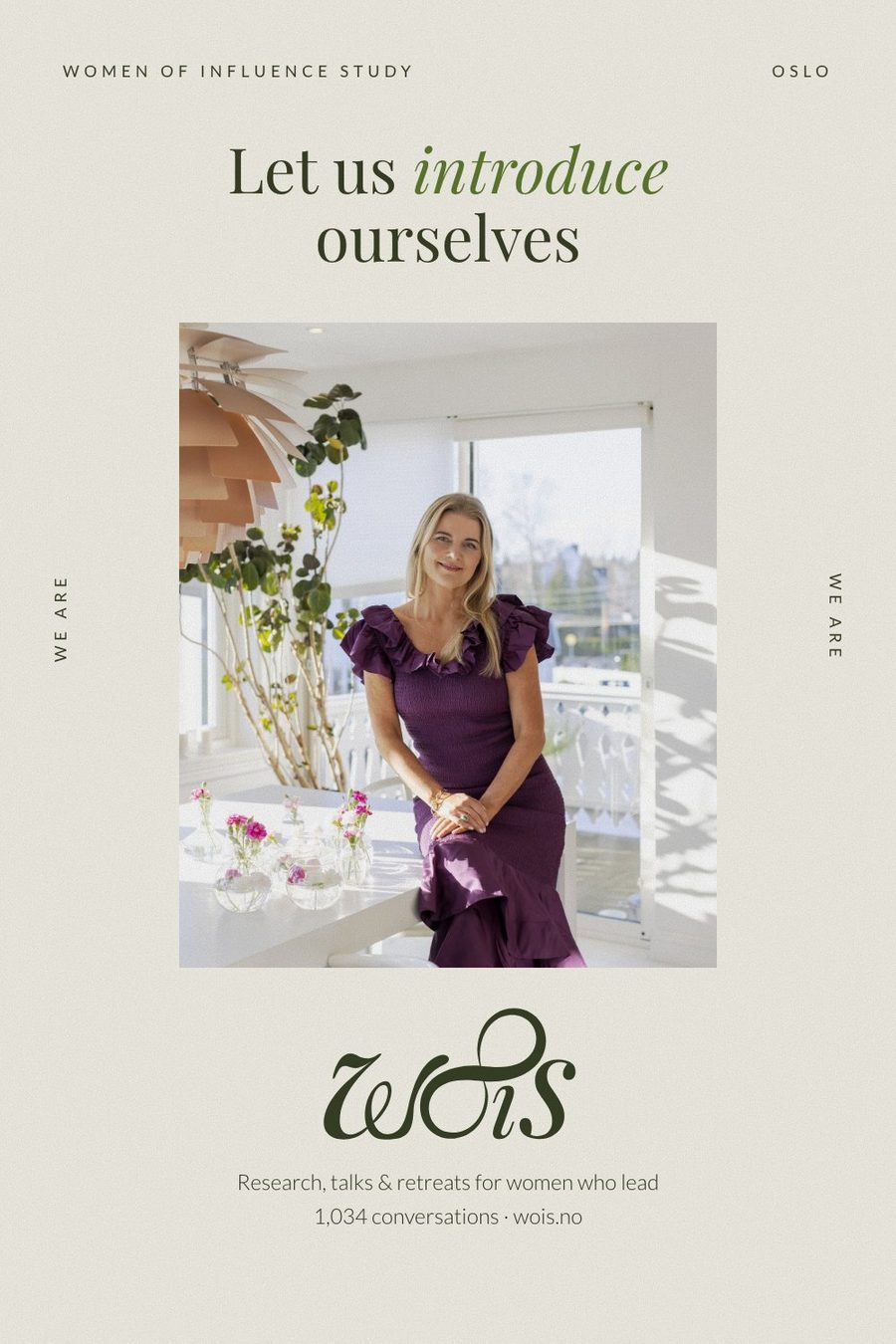
A strategy for boards, keywords, posting rhythm and linking, plus eight editorial pins, iterated from mood-board references into the brand style.
Email and the system behind it
A four-email attendee sequence (welcome, practical info, reminder, thank-you with feedback form) and an audit of the booking page. Behind it all: a live hub web app for tasks, contacts, sponsors and a dashboard of every deliverable, a Notion board, Canva, Google Drive and a daily Slack check-in.
- Paying-guest lists and guest emails on demand
- Daily ad and ticket summary, every morning
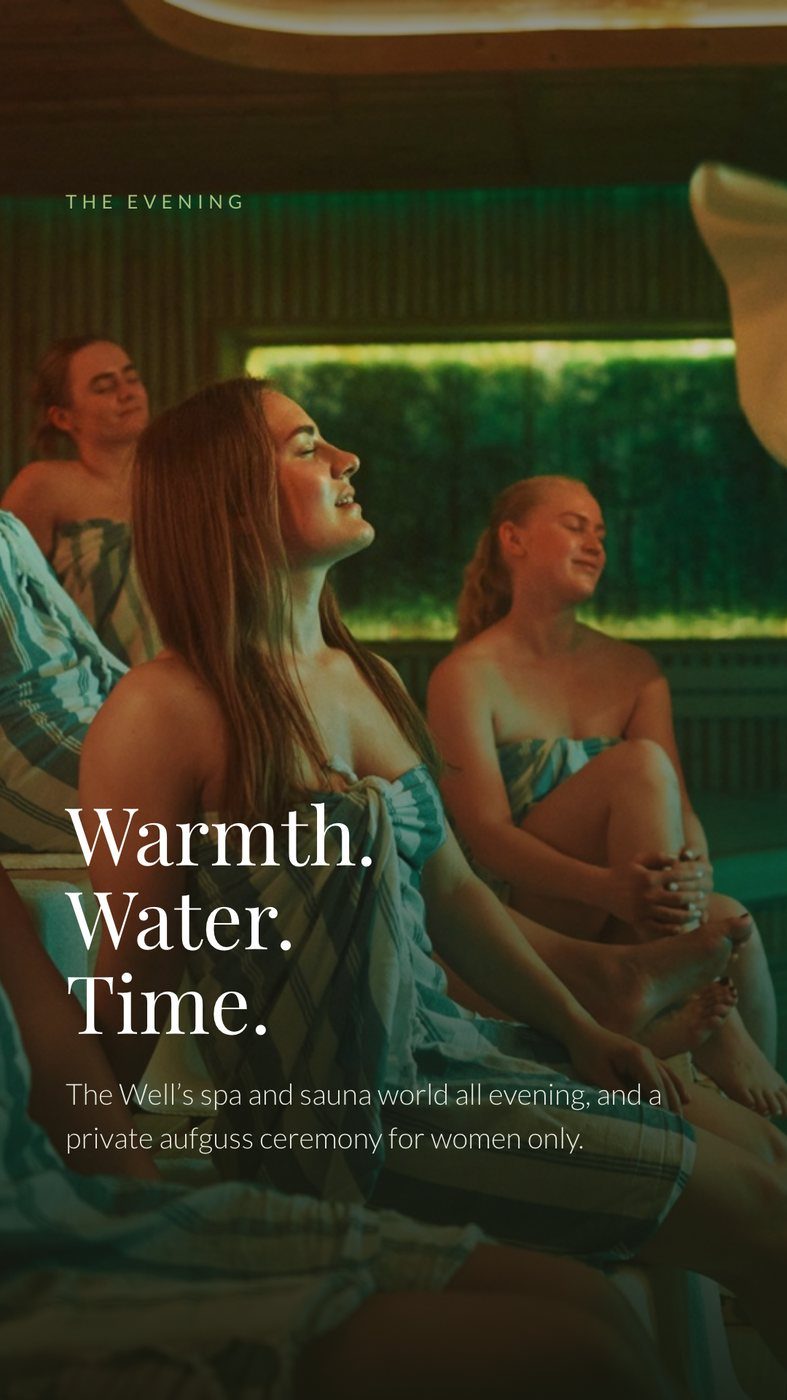
The creative
Every ad (swipe)
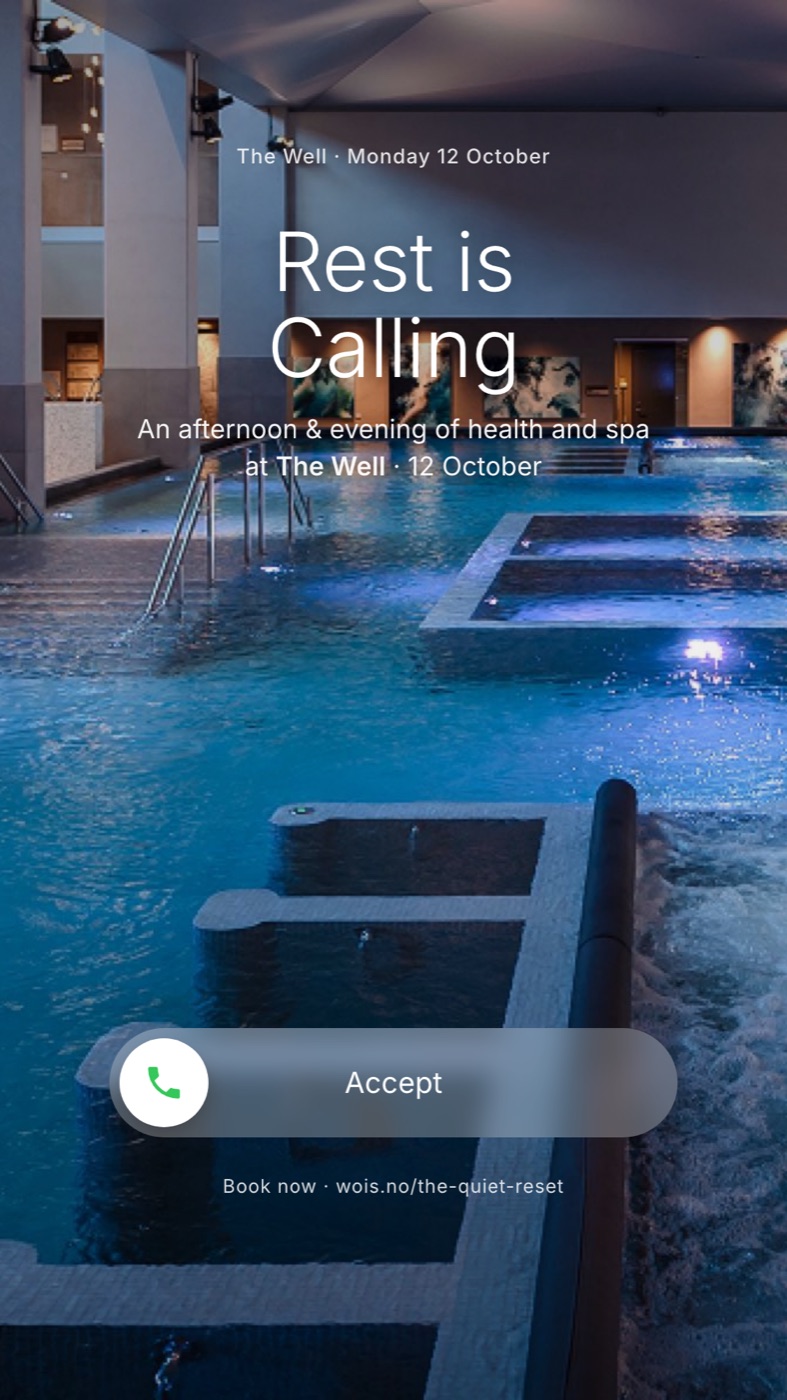
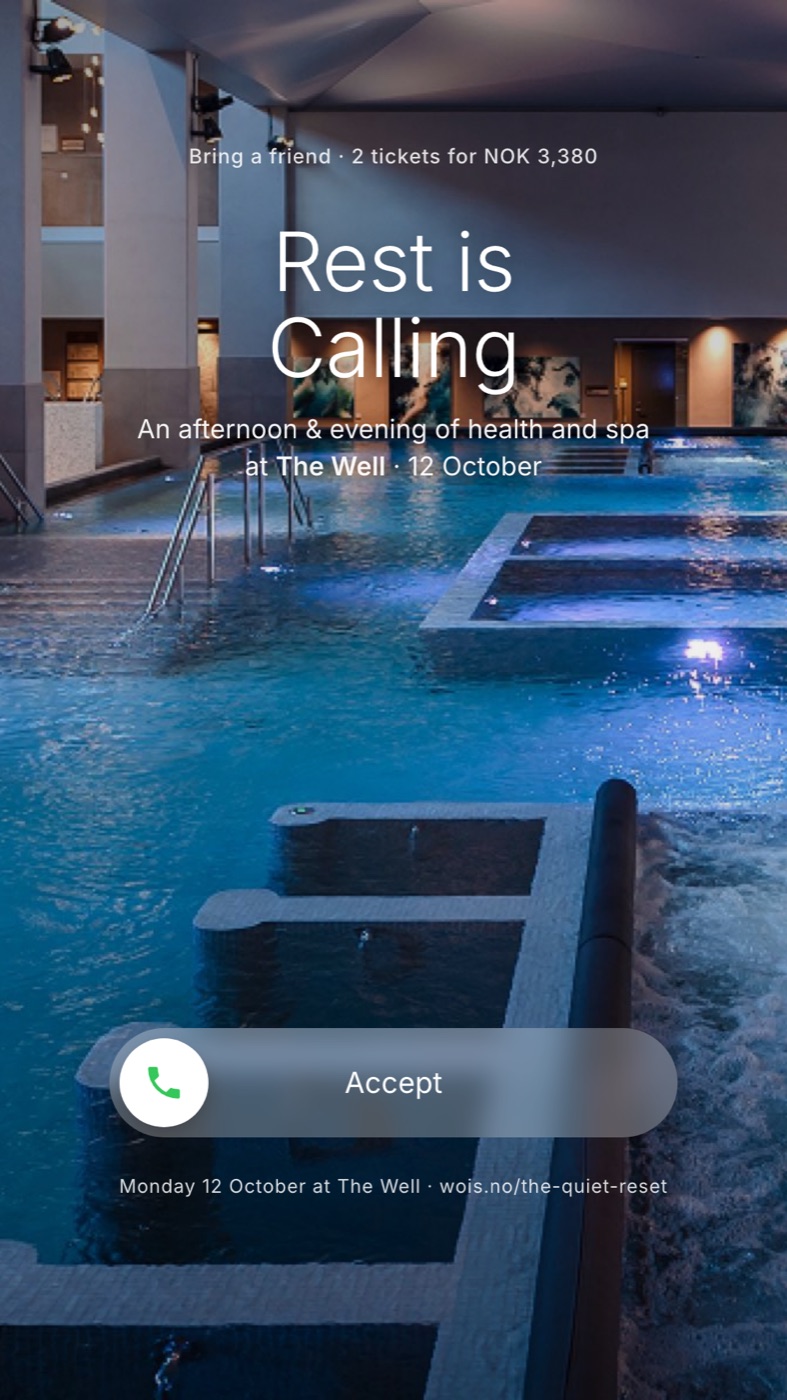
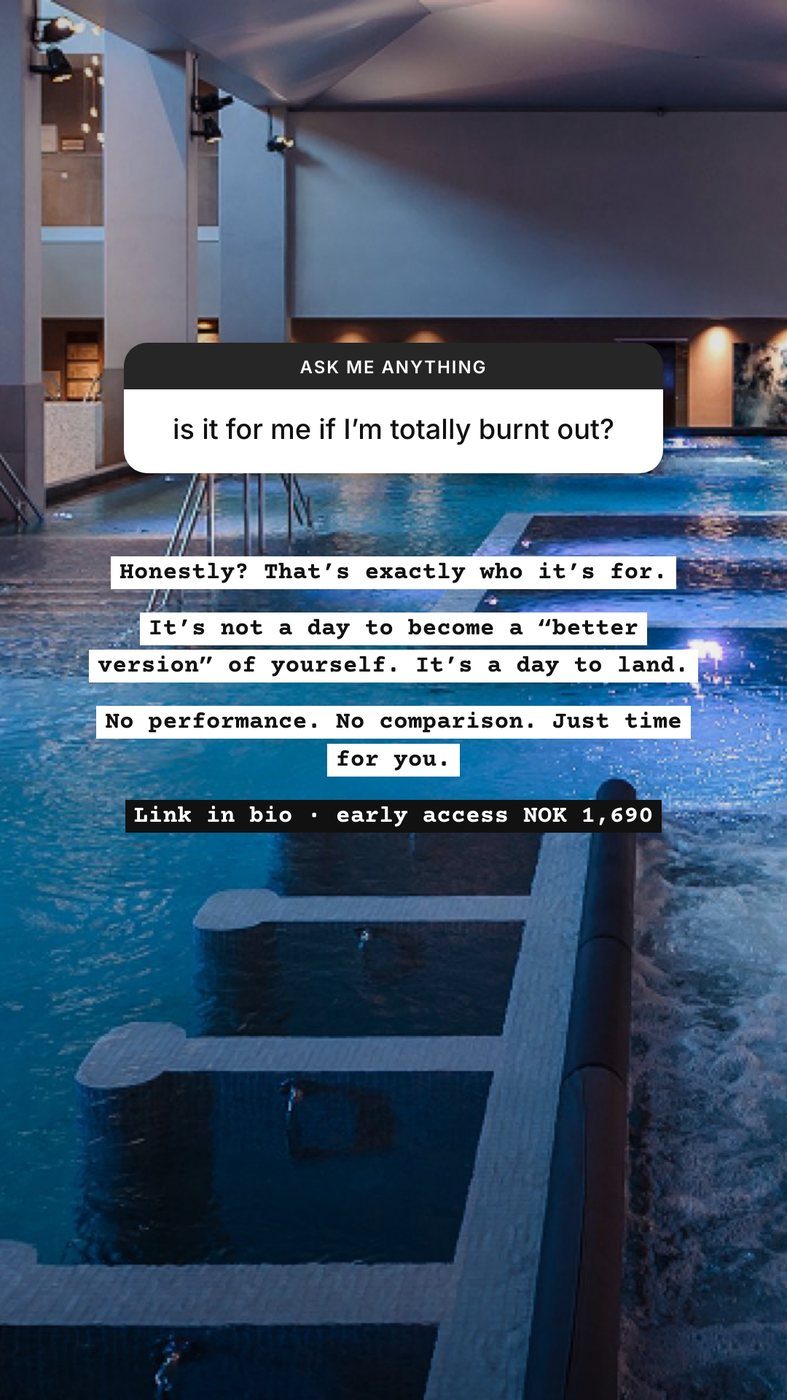 Main versionFinal weekend
The winning ad
Rest is calling
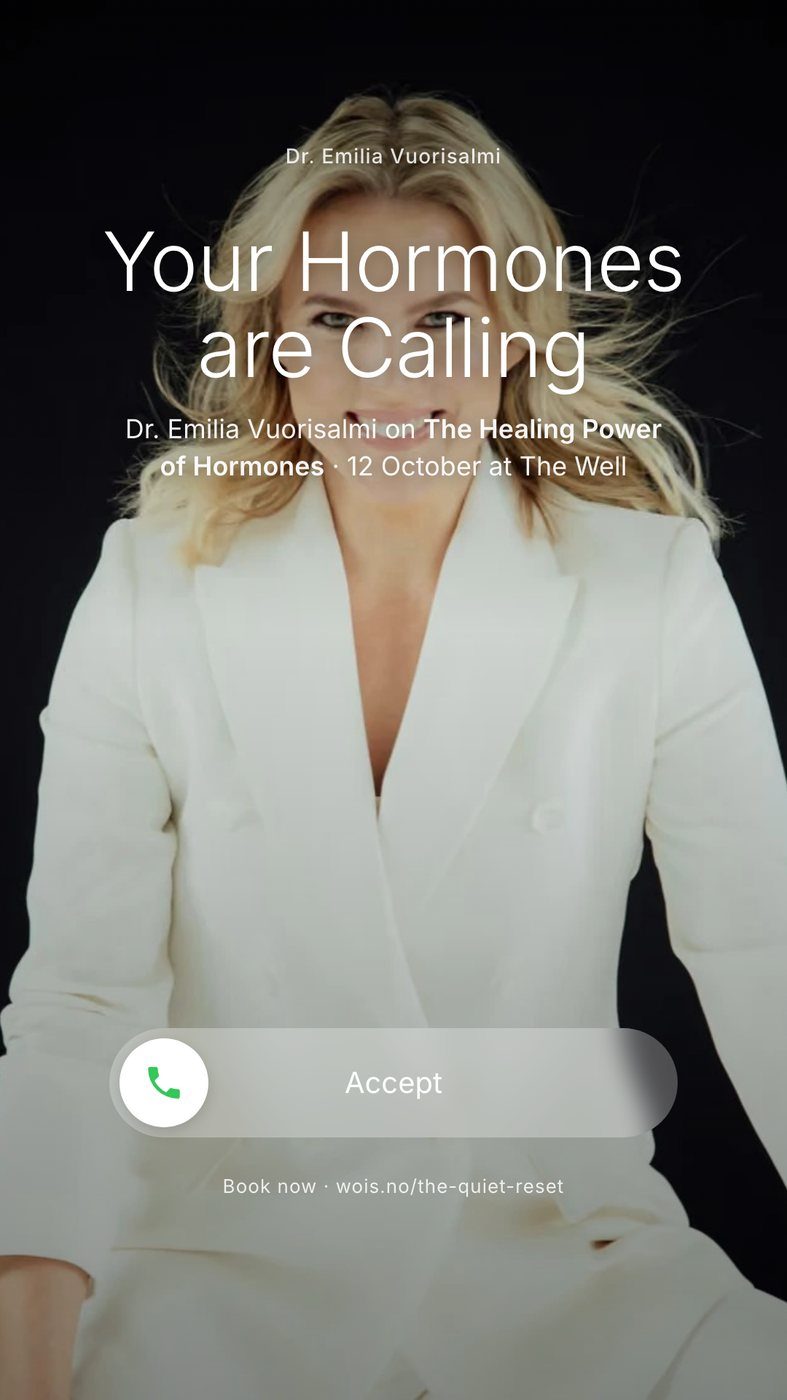
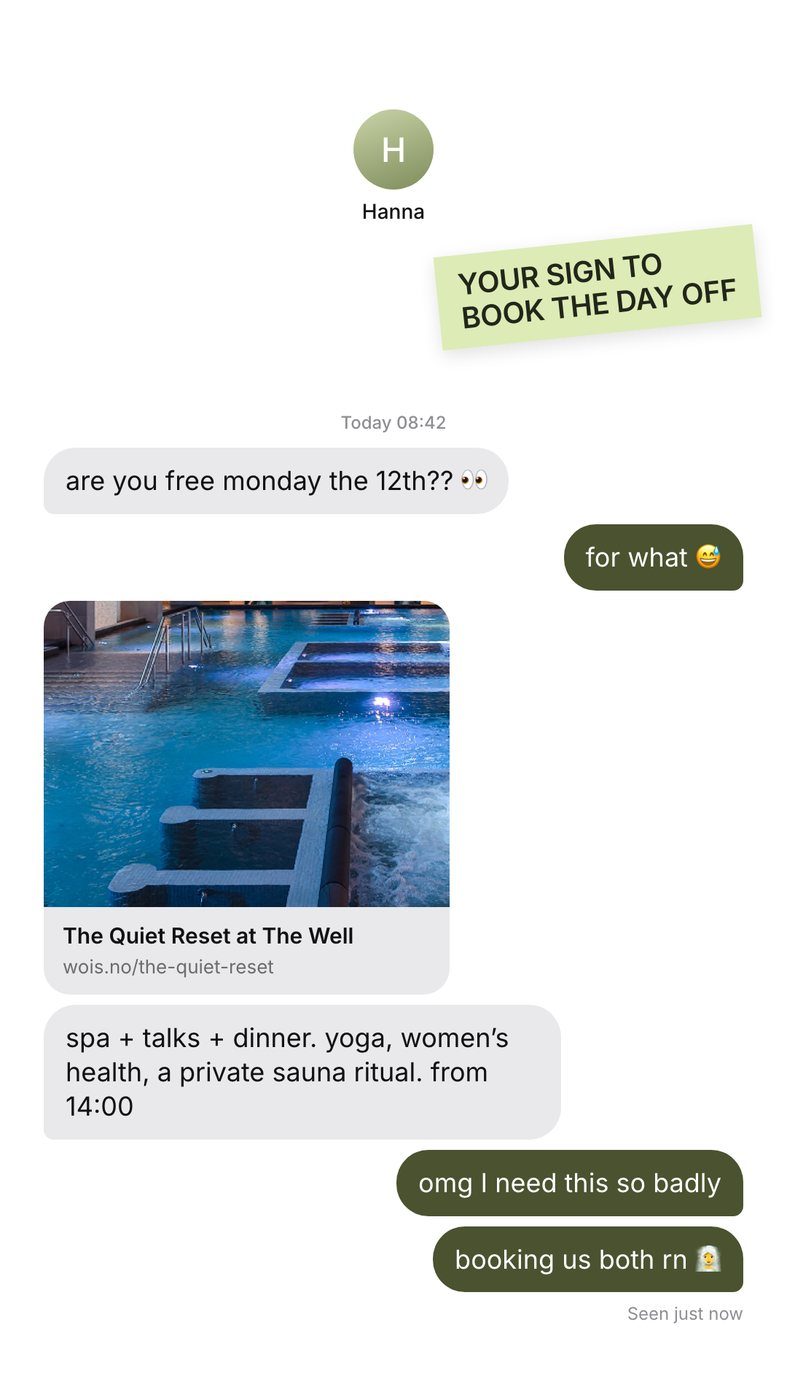
Same audience, same budget, a dozen ads. One clearly won: an ad that looks like an incoming phone call, with a big "Accept" button over the pools at The Well.
The website
Before and after (drag)
 BeforeAfter
The landing page
One page, built to turn a click from an ad into a booking. Scroll through the full page here.
- Offer first. Price, places left and deadline at the very top.
- What's included next. Moved up after watching the ad on Instagram: people coming from an ad want to know what they get, straight away.
- Faces build trust. All eight speakers, with photos.
- A booking button that follows you, on every screen.
What I learned
The honest part
01Creative is the targeting
Same audience, same budget: one bold, native-looking format beat everything else. On Meta today the ad itself finds the people, so the biggest lever is the idea, not the audience settings.
02Count sales, not clicks
The ticket system couldn't send purchases back to Meta, so Meta only saw clicks to checkout. The ticket list was the real scoreboard, checked every day, with paying guests kept apart from speakers and press.
03Price is a test, not a guess
Early access sold. When full price arrived, clicks continued but purchases slowed. We tested a Saturday-only price with a live countdown and a bring-a-friend offer instead of dropping the price for everyone. The countdown alone didn't move people; a reason to come together was the stronger story.
04Check the plumbing
The video reels were set to show under the Facebook Page instead of the real Instagram account, which held them back on Instagram. Small setup details (identities, verification, payment limits) decide whether good creative gets a fair chance. Start them first.
05Look at it where your audience does
Watching the live ad on Instagram and tapping through to the page showed what a desk review didn't: the key information sat too far down. Moving "what's included" to the top took five minutes.
Do it yourself
Launch in a week (the playbook)
Write the brief
Offer, audience, price, deadline and goal on one page, plus a brand kit: colours, fonts, logo, photos.
Set up early
Facebook Page, Instagram, ad account, payment and verification. These take days, so start them first.
Build one page that sells
Price box with deadline, what's included, faces, a booking button on every screen, tested on a phone.
Make ads people stop for
Three formats in 9:16 and 4:5, price-free versions for later, and one to three reels with captions.
Launch one campaign
One audience, all ads in, every link checked on a phone. Let the ads find the people.
Show up everywhere
Launch posts and Stories, founder posts on LinkedIn, pins, and an email sequence for people who book.
Measure daily
Spend and results per ad, paid tickets in the ticket system. Pause the losers, make variants of the winner.
Plan the deadlines
Switch prices on time, refresh the offer for the final days, and follow up with everyone who already booked.
The tools
Free guide
Do it yourself (step by step)
Everything from this launch in one 12-page guide: the brief, the landing page, ads people stop for, launching the campaign, measuring daily, the four lessons and a printable launch checklist.
- The exact steps, in order
- What to set up first (and why)
- The launch checklist I use
It's yours. Thank you!
Your guide is ready to download below. If you'd like help with your own launch, just reply to my email or book a free chat.
Download the guide (PDF)A content wizard who figures things out.
Want a launch like this?
A free 20-minute chat. Tell me what you're launching, and I'll tell you how I'd do it.
Pick a time for a free chat